
How to Make a Photo Dump Story on Instagram
· 2 min read
A photo dump story is a casual collection of several photos – usually from a week, a month or a trip – shared together in one story. Pick 3–6 photos with a mix of people, places and details, place them in a photo dump or monthly recap template (for example in the Allapulla app), add a short label like the month name, and share.
What is a photo dump?
A photo dump is a relaxed, unpolished set of photos posted together. Instead of one perfect shot, it shows the feeling of a period: a weekend, a holiday or a whole month. “September dump” or “summer recap” stories are the most common versions.
Choosing the photos
- Pick 3 to 6 photos – fewer feels empty, more gets cluttered on a phone screen.
- Mix types: one of people, one of a place, one detail (food, a coffee, a ticket).
- Keep a loose colour theme so the photos feel like one set.
- Include at least one candid, imperfect shot – that’s the point of a dump.
Making it in Allapulla
- Select your photos in Allapulla.
- Open the Photo Dump or Monthly Recap category; only templates for your photo count are shown.
- Choose a layout – grids, stacked month names, film strips or scrapbook pages.
- Swap photos between frames until the order feels right, edit the month or label, and share to your story.
Ideas to try
- Monthly recap with the month name stacked over a 2×2 grid (“sep-tem-ber”).
- Trip dump as a film strip or contact sheet.
- Weekend dump with one big photo and three small ones.
- Year-end recap with your favourite photo from each season.
Monthly Recap Instagram story templates
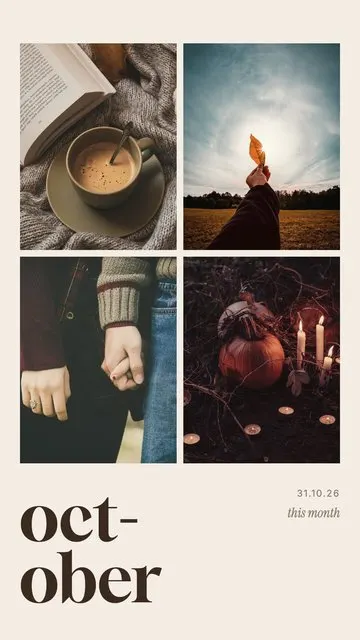 October · Dump 4 photos
 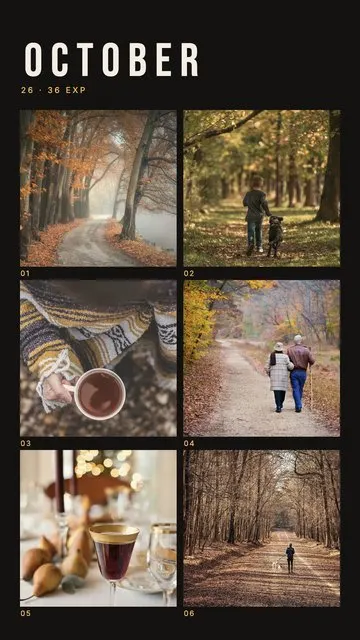 October · Contact Sheet 6 photos
 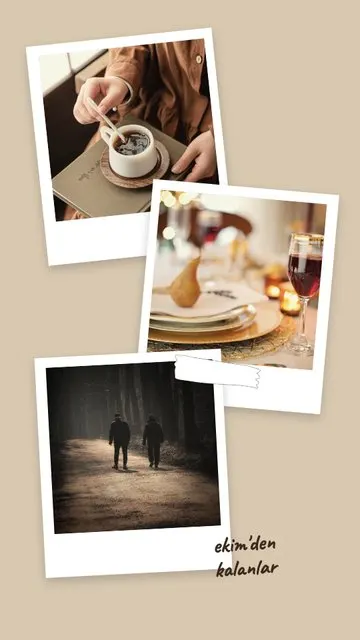 October · Polaroids 3 photos
 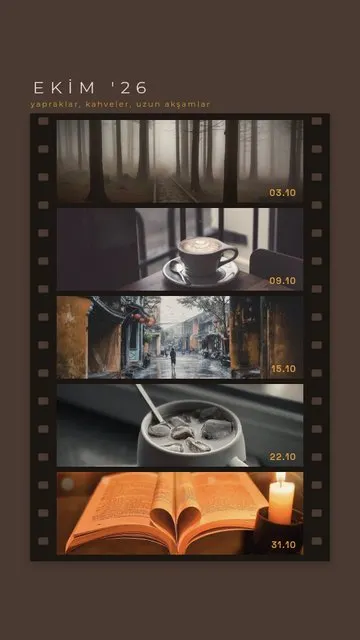 October Reel 5 photos
  October Dump 5 photos
 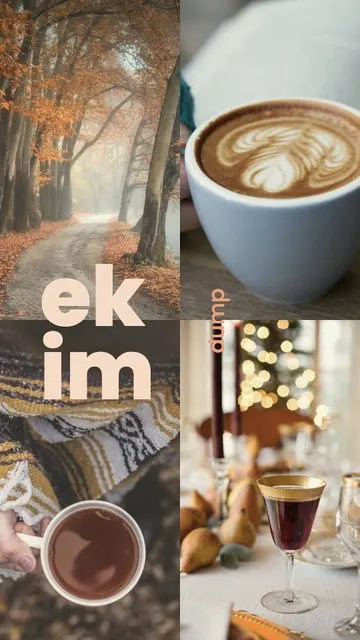 October Dump 4 photos
 Allapulla
Pick your photos and get Instagram story templates that fit them. New designs every week, all free.
Best Instagram Story Template Apps (2026): Honest Comparison
Canva, Unfold, Mojo, StoryArt and Allapulla compared – what each story template app is best at, how the free versions work, and which one to pick for your stories.
Black Friday Instagram Story Ideas for Small Businesses (2026)
How small shops, cafés and online stores can announce Black Friday and November sales on Instagram stories – a simple story plan for the week, layouts and copy that converts.
Halloween Instagram Story Ideas (2026): Costumes, Parties and Pumpkins
Halloween story ideas for your costume, a party or a cosy pumpkin night – with layouts for 1 to 5 photos, short captions and tips for spooky photos that still look good.