
How to Make Instagram Highlight Covers That Match Your Profile
· 2 min read
To make matching Instagram highlight covers, pick one background colour and one icon style, create a cover for each highlight (travel, food, friends…), save them to your photos, then on your profile press and hold a highlight → Edit highlight → Edit cover and choose the image. Allapulla has ready-made cover sets where you choose a style and icons and save the whole set at once.
Why matching covers help
Highlights sit right under your bio, so they are one of the first things people see on your profile. A consistent set of covers makes the profile look tidy and tells visitors what they will find in each highlight.
1. Pick a style
Choose one background colour or texture and one icon style, and use them for every cover. Neutral tones (sand, cream, olive, navy) work with almost any feed. Avoid tiny details – the cover is shown as a small circle.
2. Decide your highlights
Most profiles need four to eight, for example: Travel, Food, Friends, Home, Work, Recipes. Short one-word labels are easiest to read.
3. Create the covers
In Allapulla:
- Open Highlights and pick a cover set (for example Sand, Night, Blush or Olive).
- Choose an icon or type any emoji for each highlight, and adjust the label.
- Tap Save – the covers are saved to your photos.
Allapulla shows a preview of how the set looks on an Instagram profile before you save.
4. Add them on Instagram
- Go to your profile and press and hold the highlight you want to change.
- Tap Edit highlight, then Edit cover.
- Tap the gallery icon and pick the cover image.
- Centre it in the circle and tap Done.
Repeat for each highlight. Adding a cover this way does not post anything to your story.
Tips
- Keep the icon centred with plenty of space around it, since Instagram crops to a circle.
- Reuse the same set when you add a new highlight so the row stays consistent.
- Update your covers seasonally if you like change – it takes a few minutes with a saved set.
Minimal Instagram story templates
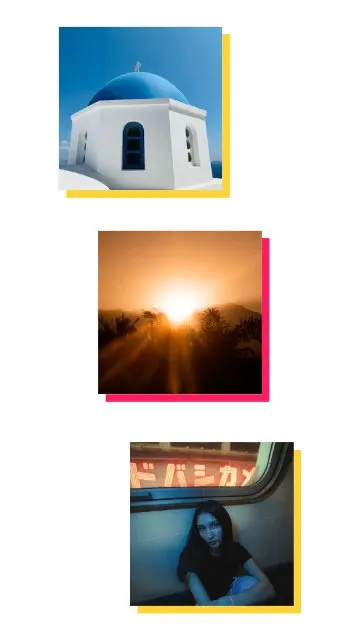 Color Shadows 3 photos
 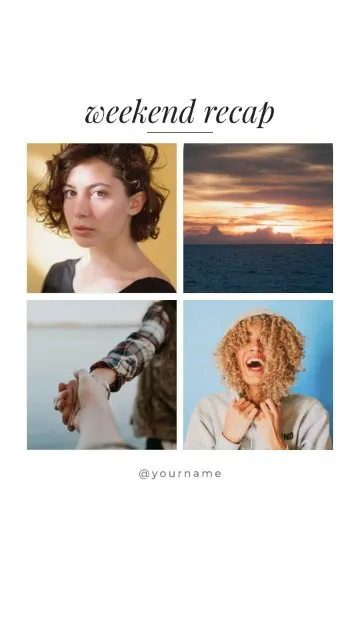 Weekend Recap 4 photos
 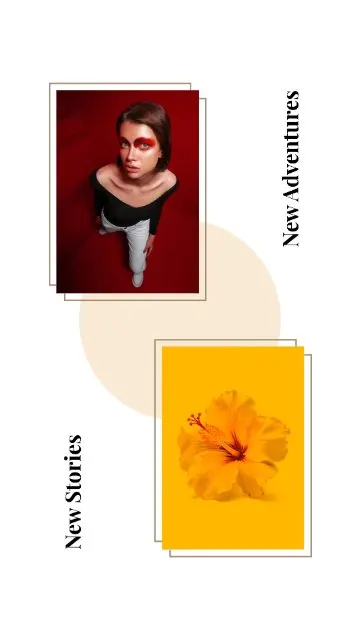 New Stories 2 photos
 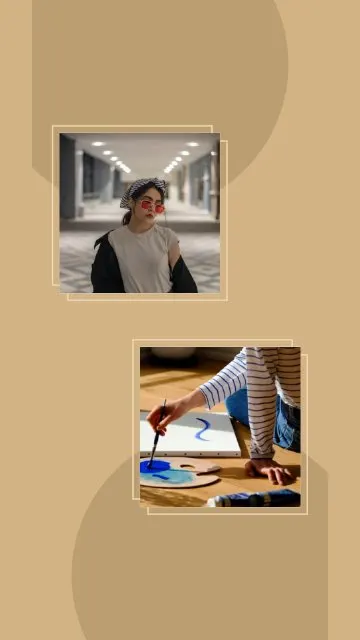 Sandy Frames 2 photos
 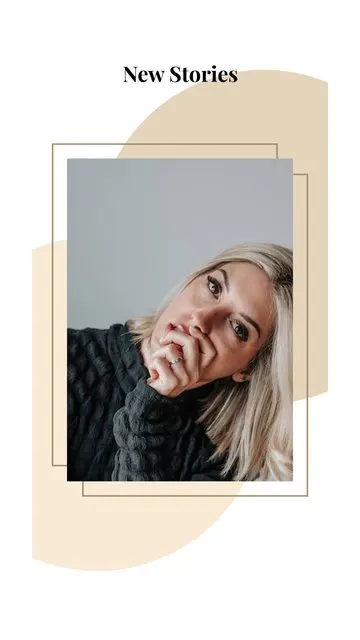 Elegant Frame 1 photo
 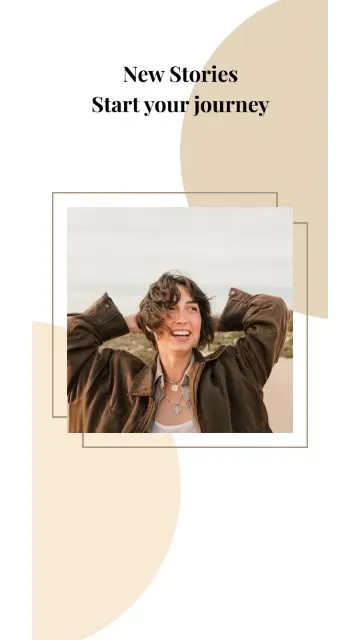 Beige Journey 1 photo
 Allapulla
Pick your photos and get Instagram story templates that fit them. New designs every week, all free.
Best Instagram Story Template Apps (2026): Honest Comparison
Canva, Unfold, Mojo, StoryArt and Allapulla compared – what each story template app is best at, how the free versions work, and which one to pick for your stories.
Black Friday Instagram Story Ideas for Small Businesses (2026)
How small shops, cafés and online stores can announce Black Friday and November sales on Instagram stories – a simple story plan for the week, layouts and copy that converts.
Halloween Instagram Story Ideas (2026): Costumes, Parties and Pumpkins
Halloween story ideas for your costume, a party or a cosy pumpkin night – with layouts for 1 to 5 photos, short captions and tips for spooky photos that still look good.