
Add Yours Sticker on Instagram: How It Works + 60 Prompt Ideas for 2026
· 6 min read · Markdown
The Add Yours sticker starts a public chain on Instagram Stories: you post a prompt like “Your last 6 photos” or “Your view right now,” and anyone who taps the sticker can reply with their own Story under the same prompt. To start one, open the sticker tray, choose Add Yours, type your prompt and share. The best prompts are short, easy to answer from the camera roll, and personal without being private.
The Add Yours sticker is the easiest way to get replies on Instagram Stories: you ask one small question, and people answer with their own Story. This guide explains how the sticker works in 2026, then gives you 60 prompts by theme and the templates that fit them.
Add Yours in 30 seconds
| Question | Short answer |
|---|---|
| What it does | Turns one prompt into a public chain of Stories |
| Where it is | Sticker tray → Add Yours (or Add Yours Templates) |
| How people join | They tap your sticker → Add Yours → post their own Story |
| Who sees the chain | Anyone who taps the sticker can browse the Stories in it |
| Music version | Add Yours Music (since May 2024): replies are songs |
| Best prompt length | 2–6 words, answerable from the camera roll |
How to start an Add Yours chain
- Open Instagram and create a Story (a photo, a template or a plain background).
- Tap the sticker icon at the top of the screen.
- Choose Add Yours.
- Type your prompt – or tap the dice for a random one.
- Place the sticker where it won’t cover faces or text, then share.
To see who joined, open your Story and tap the sticker: the chain shows every Story added to your prompt.
Tip: your own Story is the example everyone copies. If you post a messy screenshot, the chain fills with screenshots; if you post a neat 6-photo grid, people try to match it. That’s why a template with room for the sticker works well – make the Story in Allapulla, share it to Instagram, then add the sticker on top.
What makes a good Add Yours prompt
- Easy to answer now. “Your last 6 photos” beats “Your best memory of 2019” – nobody wants to scroll for ten minutes.
- Personal, not private. Coffee, shoes, sky, pets, playlists – not your home address, your kids’ school or your boarding pass.
- Short. The sticker is small. Two to six words.
- Visual. Prompts that end in a photo (“your view right now”) get more replies than opinion prompts (“your hot take”).
- Timely. Tie it to the week: the first snow, the tree going up, the last Sunday of the year.
60 Add Yours prompt ideas
Photo dump and camera roll
- Your last 6 photos
- The oldest photo in your camera roll
- Your most-used photo this month
- One photo from every month this year
- Your weirdly pretty favorites
- A photo you never posted
- Your lock screen
- Your camera roll in 4 photos
Templates: Add Yours · Last 6 Photos (Pro), Weirdly Pretty · Favorites (free).
Everyday life
- Your view right now
- Your coffee today
- Your shoes today
- Your sky today
- Your desk right now
- Your keychain
- What’s in your bag
- Your current read
- Your OOTD
- Your morning in one photo
Templates: Add Yours · Your Coffee, Add Yours · Your Shoes, Add Yours · Your Sky, Add Yours · Key Fobs (all Pro); OOTD, Coffee Run, City View (free).
Friends, family and pets
- Your pet doing nothing
- Your best friend in one photo
- You and your sibling, then and now
- Your friend group’s group chat name (no screenshots)
- The friend who always takes the photos
- Your first photo together
- Your pet’s best side
- Your family’s holiday tradition
Templates: Add Yours · Your Pet (Pro), Then & Now (free).
Music (works with Add Yours Music)
- Your song of the week
- The song that sounds like November
- Your most-played song this year
- A song that makes you think of a friend
- Your road trip song
- The last concert you went to
Templates: Our Song, November Recap · Playlist, Concert · Ticket Collage (free).
Food
- What you had for breakfast
- Your go-to comfort food
- Your favorite café
- Your holiday dish
- Your sweet treat this week
- Your Sunday dinner
Template: Sweet Break (free).
Travel
- Your last trip in one photo
- A place you want to go back to
- The view from your hotel window
- Your airport outfit
- A sunset from this year
- A souvenir you still have
Holidays and the end of the year
- Your tree this year
- A special ornament
- The gift you can’t wait to give
- Your ugliest holiday sweater
- Your 2026 in 6 photos
- One word for this year
- Your New Year’s Eve outfit
- One goal for 2027
Fun and games
- Rate your month out of 10
- Your phone’s battery right now
- Your screen time this week
- Your mood in one photo
- Your favorite photo of yourself this month
Template: Cloud Nine (free).
For small businesses
- Show us how you use [product]
- Your desk with our mug on it
- Your order unboxing
A business chain only works if the prompt is fun to answer without the product too – “Your desk right now” gets more replies than “Your desk with our mug on it.” Repost the best replies (with permission) to your own Story.
Add Yours ideas that don’t work
- Prompts that ask for private details – address, school, workplace badge, kids’ faces. Add Yours chains are public.
- Prompts that need a long scroll – “your best photo from 2018” gets few replies.
- Pure opinion prompts – “your hot take” replies are text on black; the chain looks empty.
- Copying a viral chain word for word – fine for joining, weak for starting. Add one detail of your own (“your sky at 5pm”).
Add Yours templates in Allapulla
Allapulla has six ready-made Add Yours templates – Last 6 Photos, Your Coffee, Your Pet, Your Shoes, Your Sky and Key Fobs – each with photo slots and a clean space where the Instagram sticker sits. They are Pro: open one with Allapulla Pro or unlock it for 24 hours by watching an ad. The free templates linked above work just as well; leave the top or bottom fifth of the Story empty for the sticker.
Templates are animated too, so your Add Yours Story can also be shared as a short video. Get Allapulla on the App Store or Google Play.
Frequently asked questions
What is the Add Yours sticker on Instagram?
It’s a Story sticker that turns one prompt into a public chain. You write a prompt – “Your coffee today,” “Oldest photo in your camera roll” – and anyone who taps the sticker can add their own Story to it. Instagram launched it in 2021.
How do I make an Add Yours sticker on Instagram?
Create a Story, tap the sticker icon at the top, choose Add Yours, type your prompt and share. If you’re stuck, tap the dice in the sticker for a random prompt. Instagram also has Add Yours Templates in the sticker tray: a layout with text, GIFs or images that others fill in with their own twist.
How do I join someone else’s Add Yours chain?
Tap the Add Yours sticker on their Story, then tap Add Yours. Instagram opens a new Story with the same prompt sticker already on it – add your photo, a template or a caption and share.
Who can see my Add Yours replies?
Add Yours chains are public threads: tapping the sticker shows the Stories people added to it. If your account is private, think before you join – choose a prompt you’re happy to show beyond your followers.
What is the Add Yours Music sticker?
A version of Add Yours for songs, added by Instagram in May 2024. You ask a music question – “Your song of the week,” “The song that sounds like December” – and people reply with a song from Instagram’s music library.
Does Allapulla add the Add Yours sticker for me?
No – the sticker only works when you add it inside Instagram. Allapulla’s Add Yours templates leave a clean space for it: make the Story in Allapulla, share it to Instagram, then tap the sticker icon and add Add Yours on top.
Photo Dump Instagram story templates
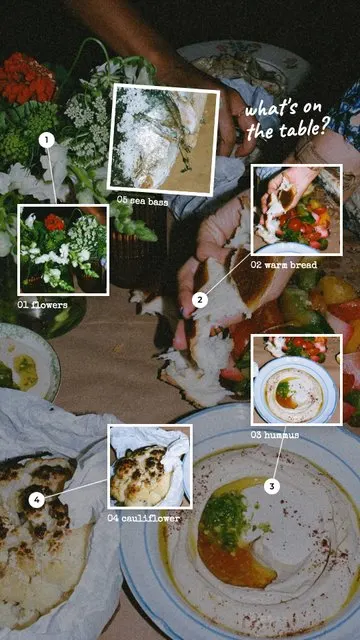 Zoom In · What's on the Table 6 photos
 Zoom In · Zoom In 1 photo
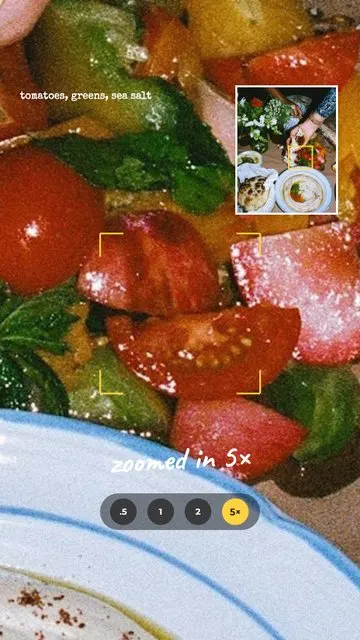 Zoom In · 5× Zoom 2 photos
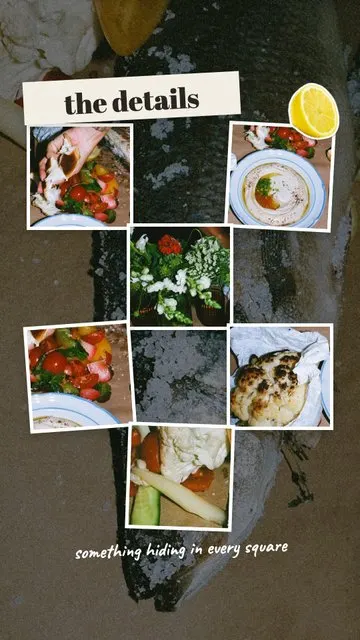 Zoom In · The Details 7 photos
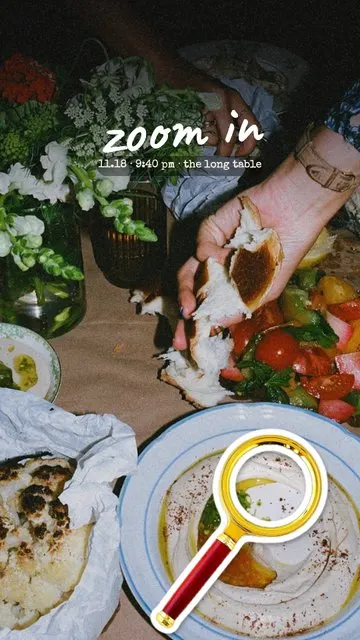 Zoom In · Cover 2 photos
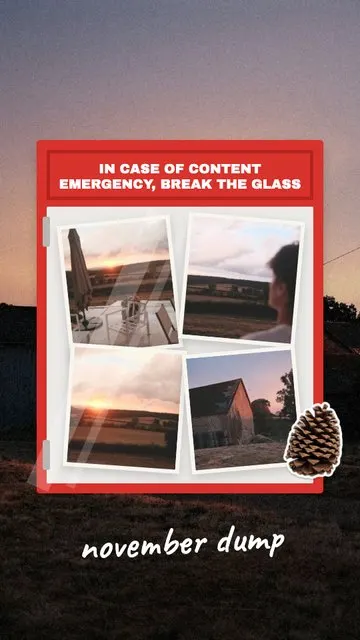 Month Dump · Break the Glass 5 photos
Allapulla
Pick your photos and get Instagram story templates that fit them. New designs every week, hundreds of them free.
Winter Instagram Story Ideas: 20 Cozy Ideas from First Snow to January (+80 Captions)
Winter Instagram Story ideas for every part of the season – first snow, the first day of winter on December 21, cozy nights in, winter games and January – with 20 ideas, a mood table, 80 short winter captions and free and animated winter templates.
Christmas Instagram Story Ideas: a Countdown from December 1 to 25 (+60 Captions)
Christmas Instagram Story ideas for every week of December – countdown Stories, the tree, the wish list, Christmas Eve and Christmas morning – with 15 ideas, 6 Story games, 60 short captions and Christmas Countdown templates.
New Year’s Eve Instagram Story Ideas: Before, at Midnight and After (+60 Captions)
New Year’s Eve Instagram Story ideas hour by hour – getting ready, the party, the midnight countdown and the first photo of 2027 – with 15 ideas, an In & Out list, stickers that get replies, 60 short captions and New Year Story templates.