

A photo dump for every number of photos
Photo dumps are the most flexible kind of story, so this category has the widest range of layouts. Pick your photos first and you’ll only see the ones that fit:
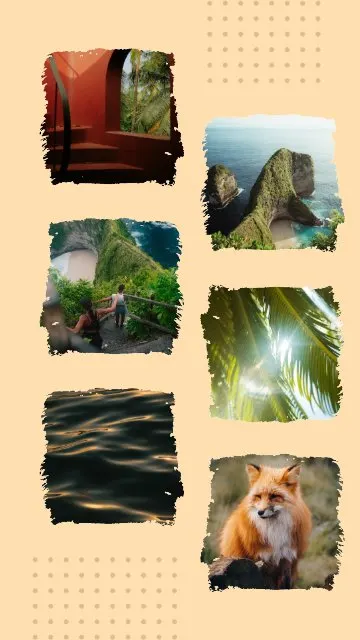
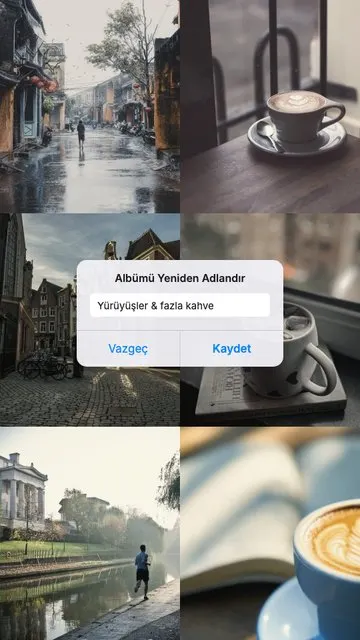
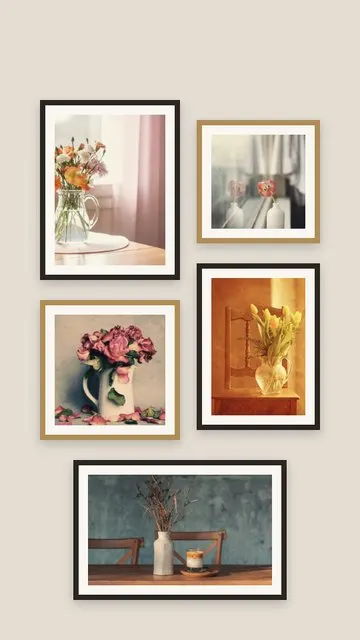
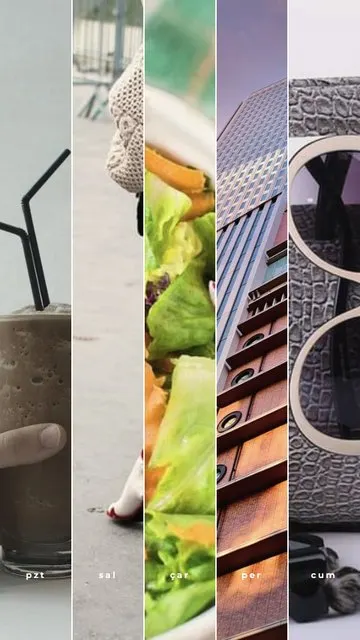
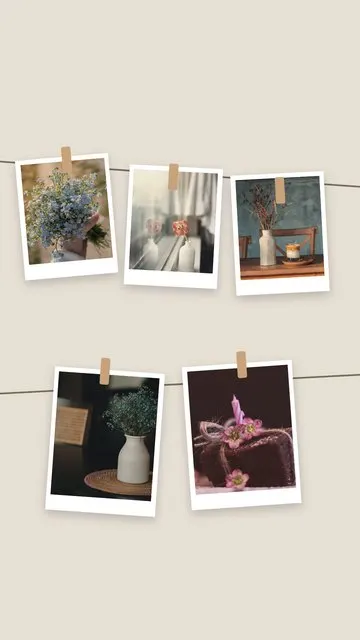
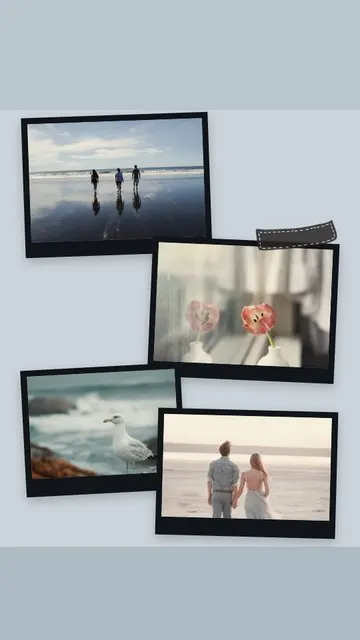
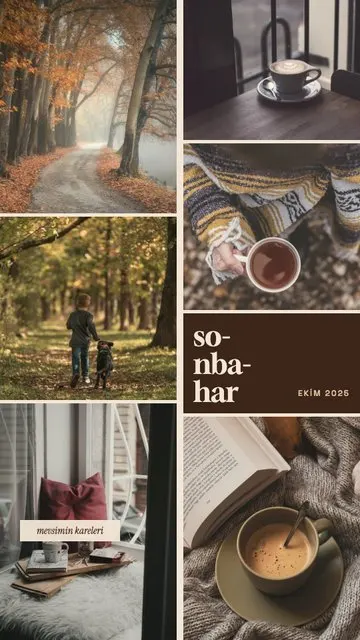
- 5–6 photos: Gallery Wall, Clothesline, Sunday Grid, Selected and Morning Gallery spread a whole week or trip across one story.
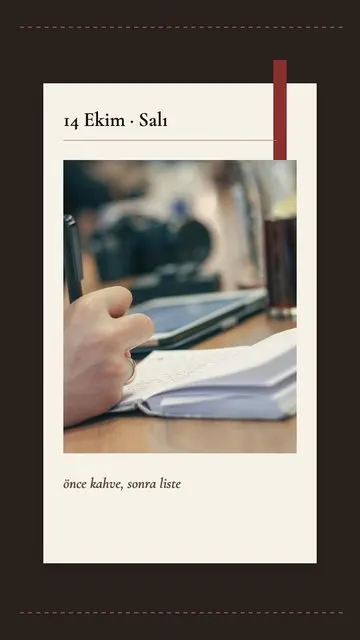
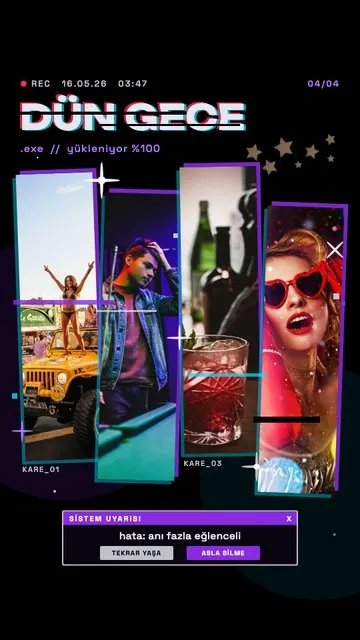
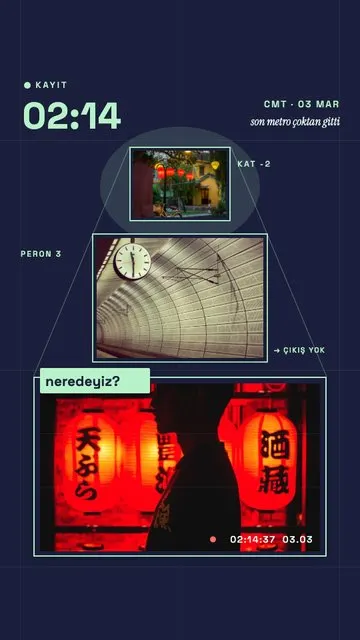
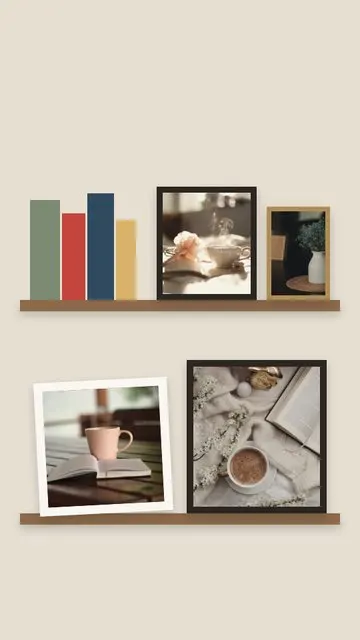
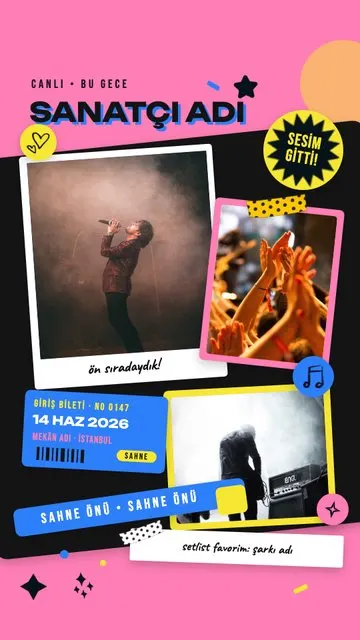
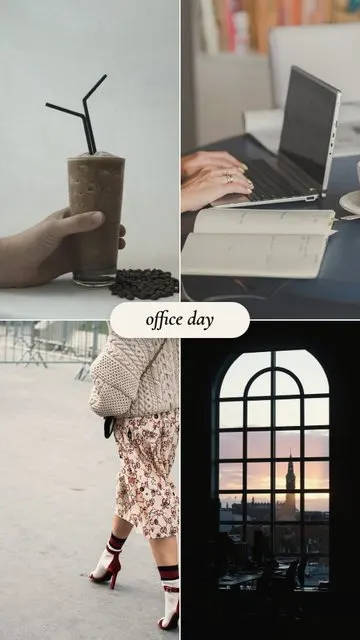
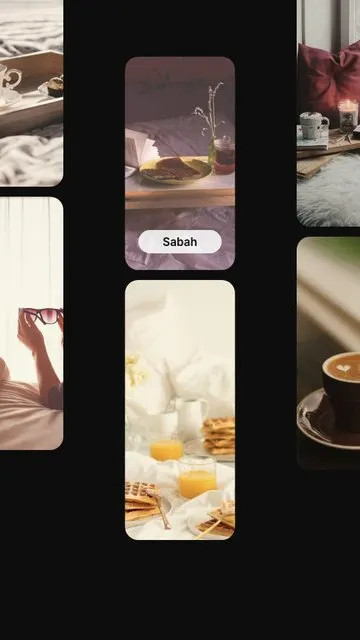
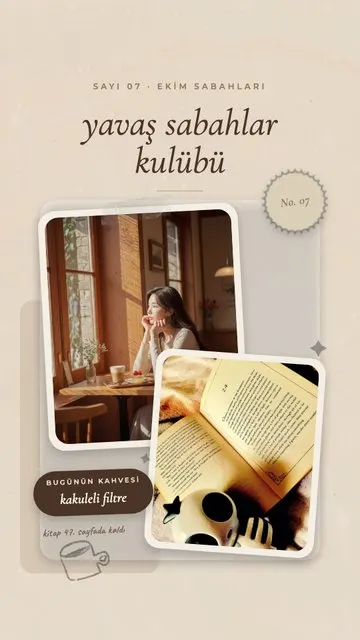
- 3–4 photos: Bookshelf, Last Night.exe, Concert Drawer and Office Day tell a short story – a night out, a concert, a workday.
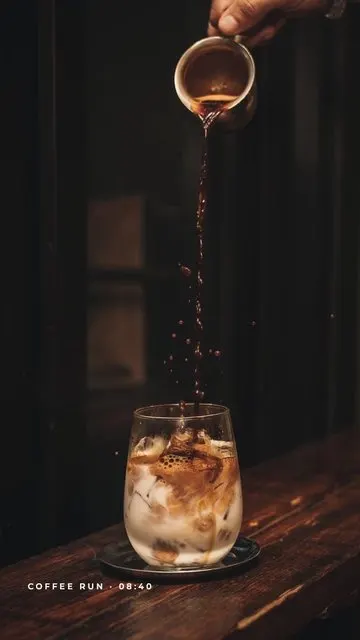
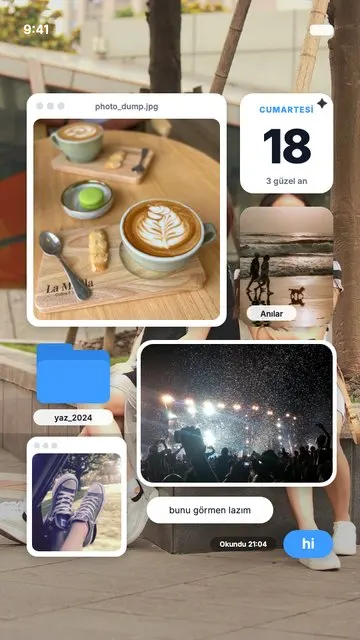
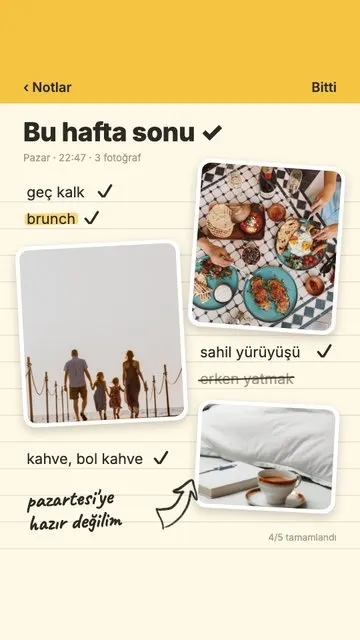
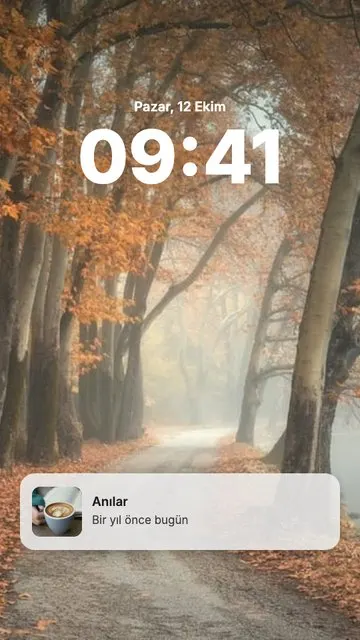
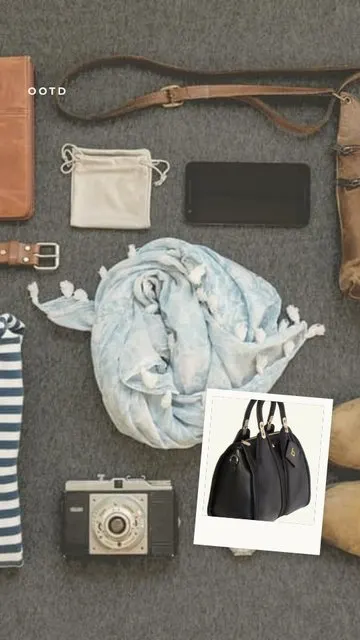
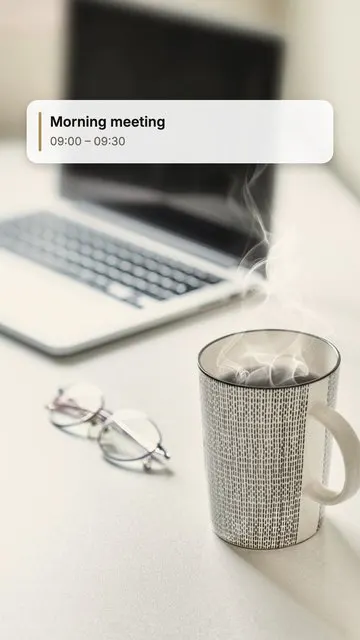
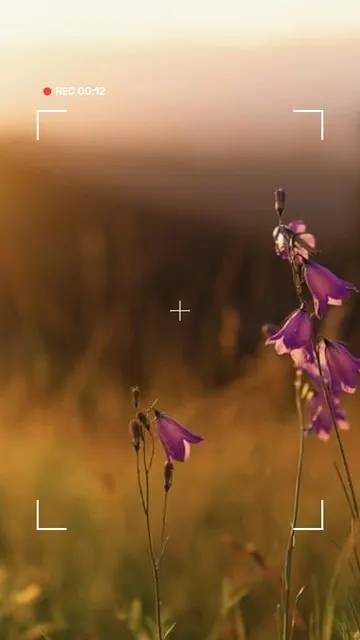
- 1–2 photos: Planner, Calendar, Viewfinder, Lock Screen and OOTD give a single photo or a pair a playful frame.
Many of these templates turn the photos into everyday objects – a gallery wall, a phone lock screen, photos pegged on a clothesline, a bookshelf. That is what makes a dump look designed instead of just stacked.
How to make a photo dump story
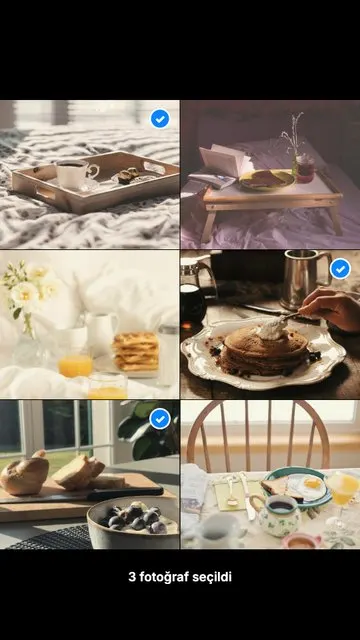
- Select 3–6 photos from your gallery in Allapulla.
- Open Photo Dump; only templates for that photo count appear.
- Pick one – the photos are placed automatically.
- Edit the short label (a day, a place, a month) and share to your story.
Choosing the photos
- Mix people, places and details: a face, a view, a coffee or a ticket.
- Keep the colours close so the set feels like one moment.
- Leave one imperfect, candid photo in – that is the whole point of a dump.
More tips in how to make a photo dump story and how to put multiple photos in one Instagram story.