


Stories that sell, made for small businesses
If you run a café, a boutique, a studio or an online shop, Instagram Stories are where your regulars check what’s new. You don’t need a designer for that – you need a clean layout, your product photo and one clear message. That’s what these templates are for.
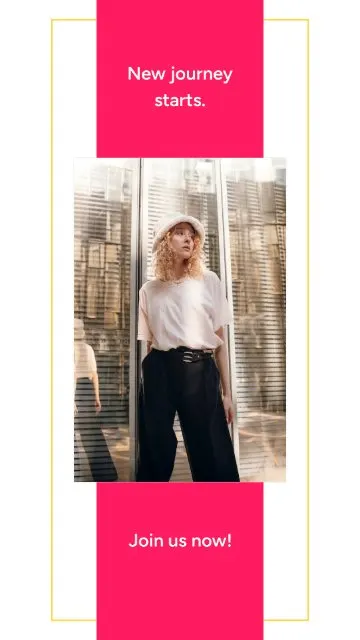
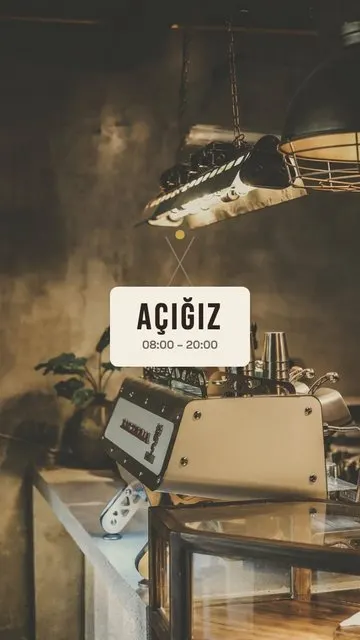
- Announcements. We Are Open tells people you’re open – great for an opening day or new hours. Brush Post Alert and Pink Stripe put one photo under a bold headline for any news.
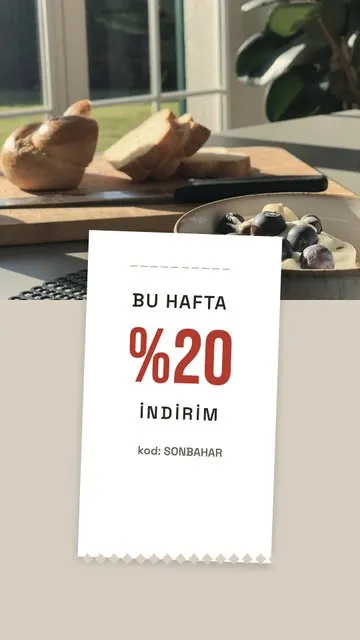
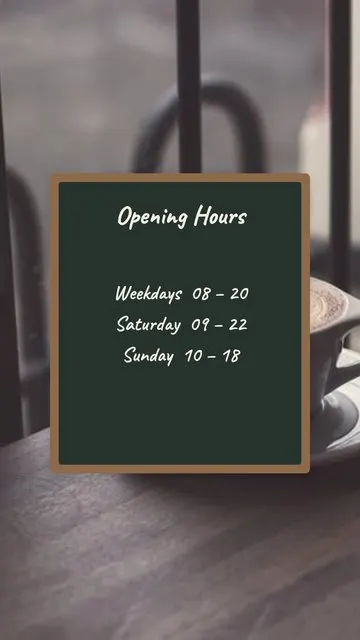
- Sales and campaigns. Discount Receipt shows your offer as a printed receipt, Sale Note as a handwritten note, Chalkboard like a café menu board.
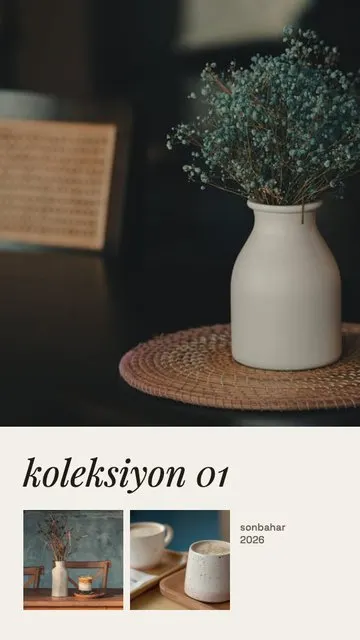
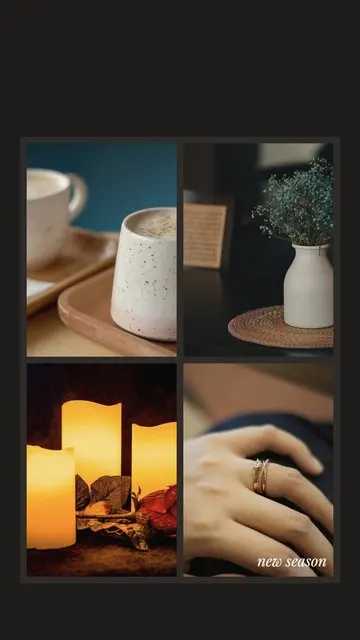
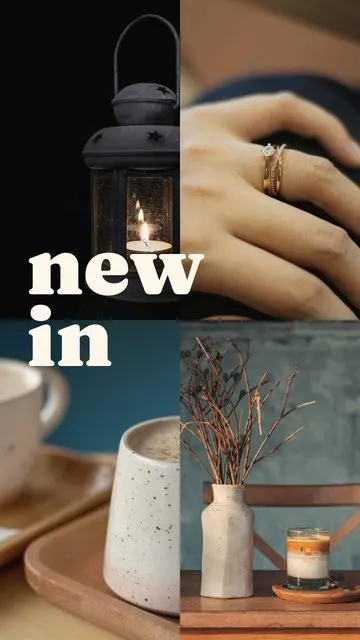
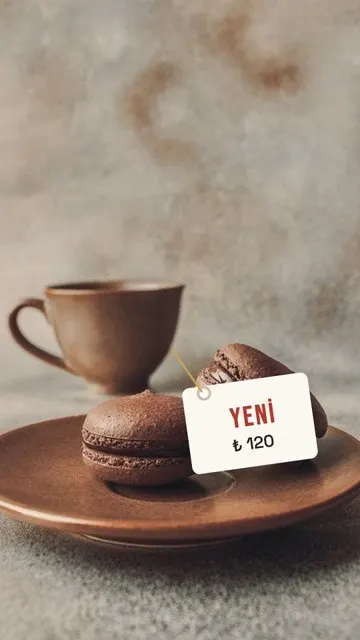
- Products. New Product spotlights a single item; New In (4) and Shop Window (4) show a new collection; Lookbook (3) is made for outfits and styled looks.
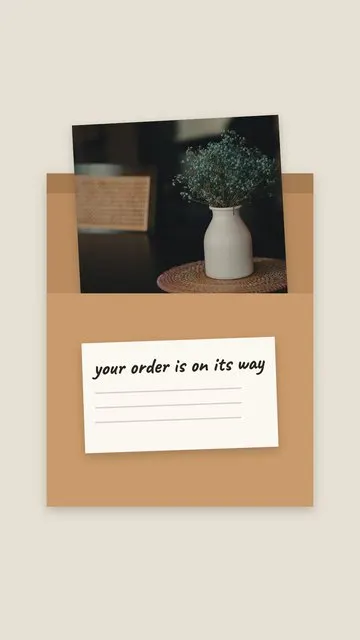
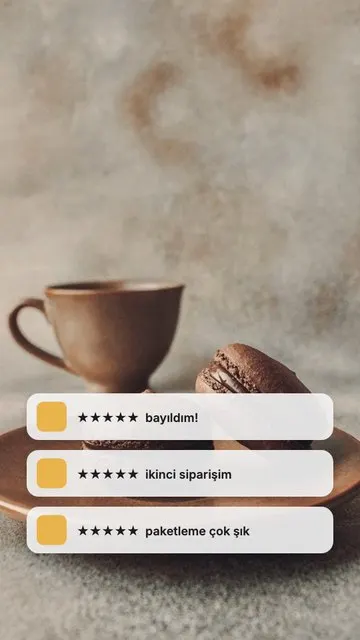
- Trust and shipping. Reviews puts a customer comment next to the product; Shipping Box shows orders on their way – ideal for online shops.
How to make a business story
- Pick your product or shop photos in Allapulla. Only templates for that number of photos are shown.
- Open Business and choose a layout; the photos drop in automatically.
- Move or zoom each photo so the product is centred, then replace the text with your offer, price or opening hours.
- Share to Instagram Stories or WhatsApp, or save it to your gallery to post later.
Tips for shop stories
- Lead with one message per story: a discount, a new product or your hours – not all three.
- Write the important part in the middle; Instagram covers the top and bottom of a story. See the story size and safe zone guide.
- Selling online? After sharing, add Instagram’s link sticker so people can tap straight to the product.
- Use the same few templates again and again so your stories look like your brand.
- Save your best stories to Highlights – New In, Sale, Reviews, Shipping. Make them match with our highlight covers guide.