






Travel story ideas for before, during and after the trip
A trip gives you three chances to post: the countdown, the days on the road and the recap at home. The templates here are built around real travel objects – tickets, tags, postcards, stamps – so a few phone photos look like a souvenir.
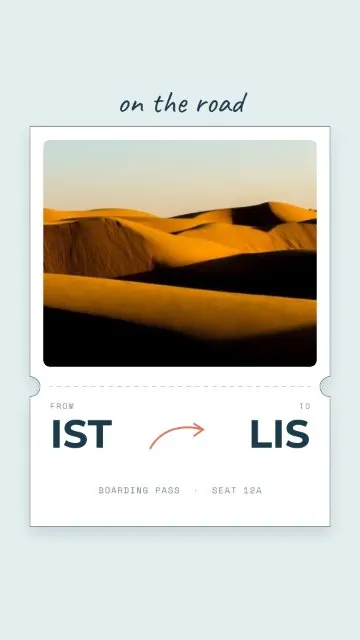
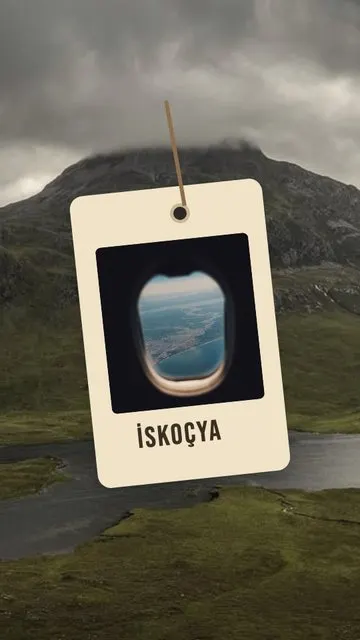
- Before you go. Boarding Pass turns one photo into a ticket; Luggage Tag and New Adventures take two; Plane Windows puts three photos in a row of airplane windows – perfect for the view from your seat.
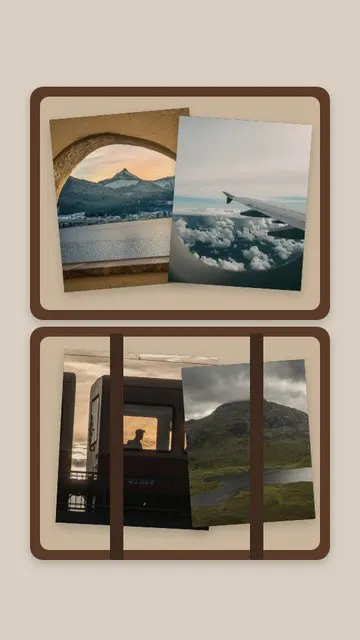
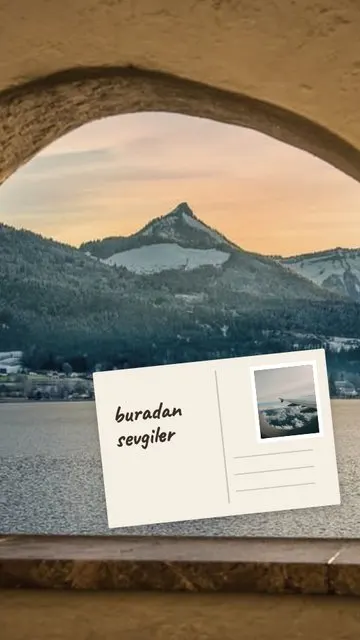
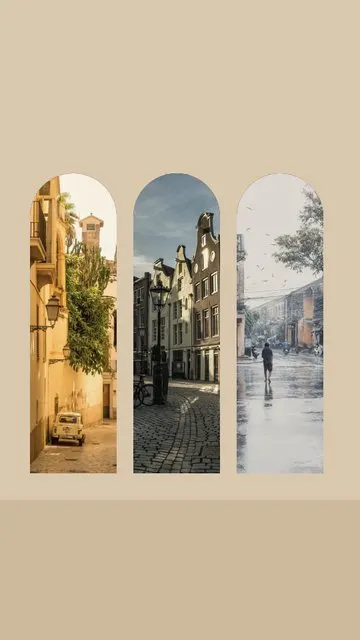
- On the road. Postcard (2 photos) and Stamps (3) fit a day in a new city; Sticky Note is a quick one-photo update; Arches (3) suits old streets and architecture; Misty Tarot (3) gives a sunrise or a foggy view a mystic mood.
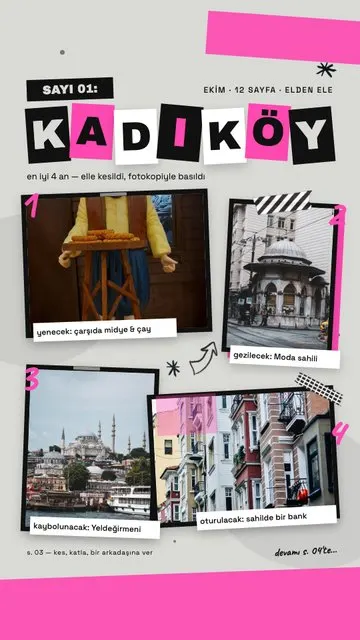
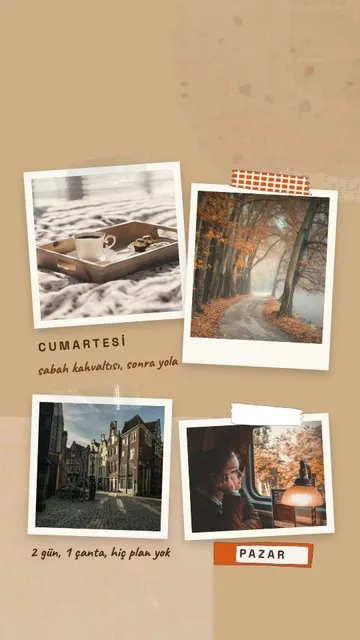
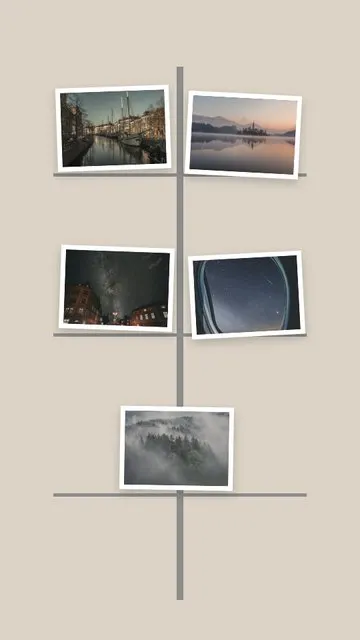
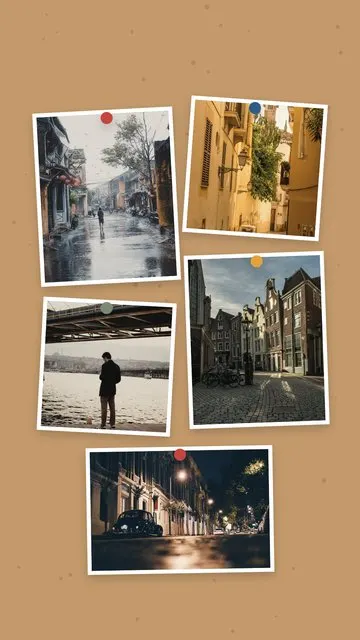
- The recap. Open Suitcase and Weekend Getaway hold four photos; Photocopy Zine (4) looks like a handmade travel zine; Cork Board and Postcard Rack spread five photos like souvenirs pinned on a wall. Beige Adventure (2) is a calm option for a slow trip.
How to make a travel story
- Pick 1–5 photos from the trip in Allapulla. Only templates for that number of photos appear.
- Open Travel and choose a template; the photos drop into the frames automatically.
- Move or zoom each photo so the best part of the view stays in the frame.
- Replace the text with the city, the country or the dates.
- Share to Instagram Stories or WhatsApp, or save it to your gallery.
Choosing the photos
- Mix one wide view, one detail (food, a ticket, a street sign) and one photo with people.
- Keep the strongest view for the biggest frame.
- For a recap, choose one photo per day – it reads like a short diary of the trip.
- Post the recap while it is still fresh; a weekend story works best within a few days.
More ideas in how to make a photo dump story and how to put multiple photos in one Instagram story.