
How to Put Multiple Photos in One Instagram Story (2026)
· 2 min read
To put multiple photos in one Instagram story, use Instagram’s Layout mode (up to 6 photos in a basic grid), add extra photos as stickers from your camera roll, or use a template app like Allapulla – pick 2–6 photos, choose a template made for that number, and share the 1080×1920 result straight to your story.
Option 1: Instagram’s Layout tool
- Open the story camera and tap the Layout icon on the left.
- Choose a grid (2, 3, 4 or 6 cells).
- Tap the gallery icon to fill each cell with a photo.
- Tap the check mark, add text or stickers and share.
Layout is quick, but every grid looks the same and there is little room for styling.
Option 2: Photo stickers
- Start a story with your first photo as the background.
- Tap the sticker icon and choose the Photo sticker.
- Pick another photo, then resize and rotate it.
- Repeat for each extra photo.
This gives you a freer, collage-like look, but placing everything by hand takes time and rarely looks aligned.
Option 3: A multi-photo template
Templates give you a designed layout – a photo dump grid, film strip, album page or magazine spread – without any manual alignment.
- Open Allapulla and select 2 to 6 photos from your gallery.
- Allapulla shows only templates made for that number of photos.
- Pick one; the photos drop into the frames automatically.
- Move or zoom each photo, change the text if you like, and tap share to post to Instagram Stories.
Tips for multi-photo stories
- Lead with your strongest photo in the largest frame.
- Mix close-ups and wide shots so the grid has rhythm.
- Keep text short – the photos should carry the story.
- Stories are 9:16 (1080×1920 px); vertical photos fill frames best. See our story size guide.
Photo Dump Instagram story templates
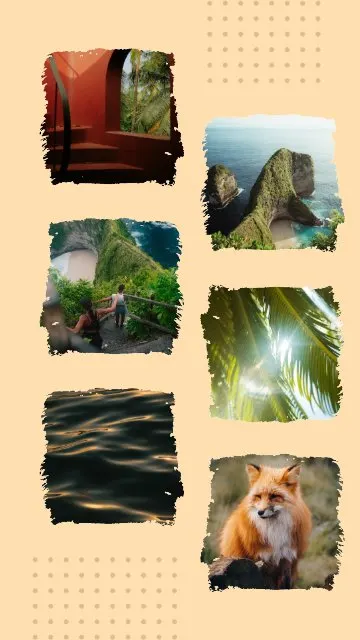 Brushed Edge Collage 6 photos
 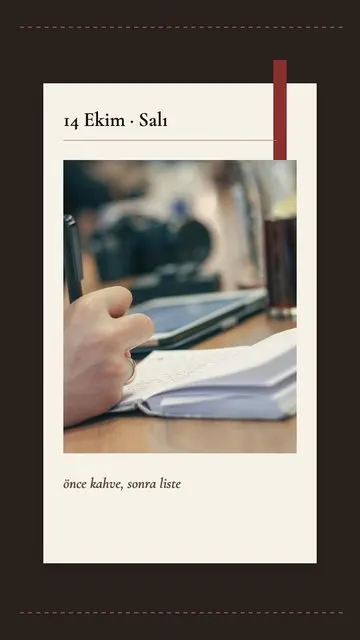 Planner 1 photo
 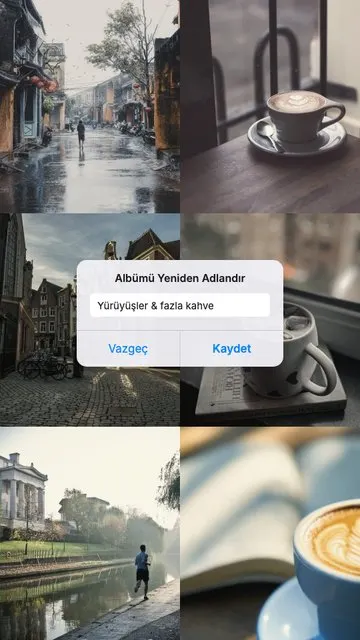 Album Name 6 photos
 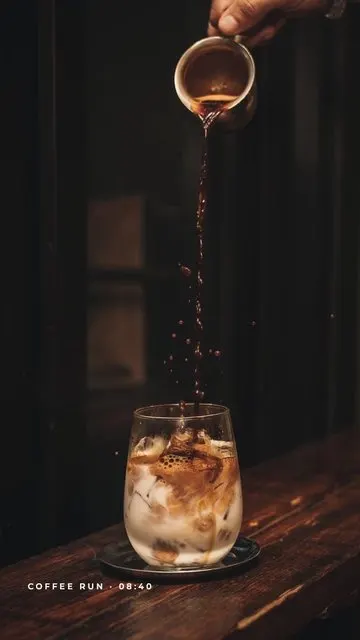 Coffee Run 1 photo
 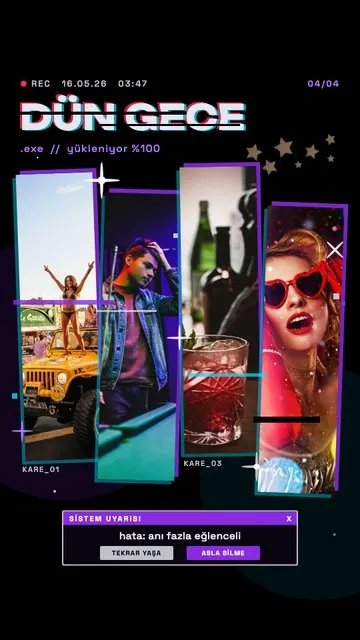 Last Night.exe 4 photos
 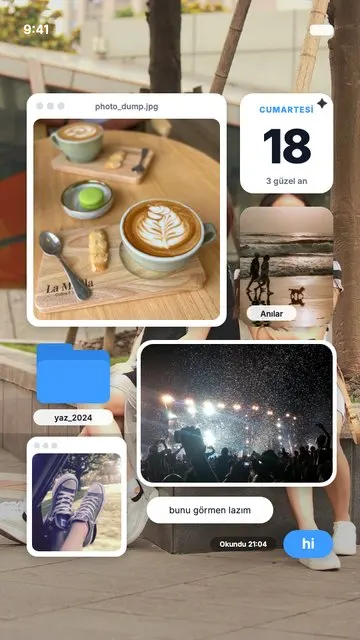 Screen Memories 5 photos
 Allapulla
Pick your photos and get Instagram story templates that fit them. New designs every week, all free.
Best Instagram Story Template Apps (2026): Honest Comparison
Canva, Unfold, Mojo, StoryArt and Allapulla compared – what each story template app is best at, how the free versions work, and which one to pick for your stories.
Black Friday Instagram Story Ideas for Small Businesses (2026)
How small shops, cafés and online stores can announce Black Friday and November sales on Instagram stories – a simple story plan for the week, layouts and copy that converts.
Halloween Instagram Story Ideas (2026): Costumes, Parties and Pumpkins
Halloween story ideas for your costume, a party or a cosy pumpkin night – with layouts for 1 to 5 photos, short captions and tips for spooky photos that still look good.