
How to Add Music to an Instagram Story (and 9 Fixes When Music Isn’t Working)
· 4 min read · Markdown
Open the Story camera, add a photo or video, tap the sticker icon at the top and choose Music. Search for a song, drag to pick the part that plays, then choose lyrics, album cover or a minimal label and share. If the Music sticker is missing, the two most common causes are an outdated app and a business account; many business accounts can’t use the licensed music library and only see royalty-free tracks.
Stories with music tend to be watched longer than silent ones, but the Music sticker doesn’t always cooperate: sometimes it’s missing, popular songs don’t show up, or a song shared from Spotify stays silent. This guide gives you the 7 steps first, then the problems and fixes.
1. Add your photo or video
Swipe right or tap + and choose Story. Open a photo, a video or a 1080×1920 image you saved from a template. If it looks soft after posting, check why your Instagram Story is blurry first.
2. Open the Music sticker
Tap the sticker icon (the square smiley face) at the top and choose Music. Some versions also show a separate music note icon; both open the same library.
3. Search for a song
Type a song or artist. The “For you” and “Browse” tabs show trending sounds.
4. Pick the part that plays
Drag the bar at the bottom to choose the section. The chorus usually works best: Stories get tapped through fast, so a part people recognize in the first second does better.
5. Choose the length
On a photo Story, pick the length with the seconds button (for example 5, 10 or 15). On a video, the music follows the video’s length.
6. Choose a style
- Lyrics: words appear in time with the song; only for songs with lyrics.
- Album cover: a small card with the cover, song and artist.
- Minimal: just the song name; the cleanest choice on a template Story.
Tap the sticker to change its colour; pinch to resize.
7. Share
Post your Story. You can’t change the music afterwards, so if you’re unsure, share to Close Friends first and listen.
Music not working: symptom, cause, fix
| Symptom | Likely cause | Fix |
|---|---|---|
| No Music sticker at all | Outdated app | Update Instagram in the App Store / Google Play, restart your phone |
| No Music sticker, app is up to date | Account type (business) | Settings → Account type and tools → switch to Creator or personal |
| Only royalty-free tracks, no popular songs | Business account | Switch to Creator, or choose from royalty-free tracks |
| One specific song is missing | Not licensed in your region or for your account type | Try another version or another song |
| No sound after posting | Phone on silent, or the song was removed later | Turn off silent mode; post the Story again |
| No lyrics | Instagram doesn’t have lyrics for that song | Use the album cover or minimal style |
| Shared from Spotify, no sound | A Spotify share is a link | Use Instagram’s Music sticker |
| Search returns nothing | Connection or cache issue | Switch to Wi-Fi, log out and back in; on Android clear the app cache |
| Nothing works | An account-specific issue | Settings → Help → Report a problem, with a screenshot |
Music on a business account
Instagram doesn’t open its licensed music library to certain business accounts, because commercial use of songs needs different rights. These accounts usually see royalty-free tracks only.
- Switching to a Creator account usually opens a wider library, and you keep insights and contact buttons.
- Don’t use popular songs in ads or sponsored content; the sound can be removed from a Story that’s promoted as an ad.
- Royalty-free tracks are the safest choice for brands; a calm instrumental distracts less from a product or offer than a hit song.
A weekly plan for business Stories: small business Instagram Story ideas.
Adding music to a template Story
A Story you make in Allapulla is saved as an image; you add the music in Instagram.
- Fill the template and save it at 1080×1920.
- Open the image as a Story in Instagram and add the Music sticker.
- Put the song sticker in a quiet part of the template: the empty space at the top or bottom, not over photos or text.
- If the template already has a big headline, choose the minimal style instead of lyrics; two blocks of text side by side look busy.
Which music for which Story:
| Story type | Music mood | Style |
|---|---|---|
| Photo dump | Upbeat, recognizable chorus | Album cover |
| Monthly recap | Calm, acoustic | Minimal |
| Birthday | Lively, with lyrics | Lyrics |
| Business / offer | Royalty-free instrumental | Minimal |
Frequently asked questions
How long does music play on an Instagram Story?
On a photo Story you choose the length with the seconds button on the Music sticker; most accounts see up to 15 seconds. On a video Story the music follows the length of the video. Instagram changes these limits from time to time, so the options on the sticker are the most reliable guide.
Can I add music to a Story after posting it?
No. You can’t add or change music on a Story that is already live. Delete it and post it again with the Music sticker.
Does a song shared from Spotify play in my Story?
Spotify’s Share button puts the song’s cover and a link that opens Spotify into your Story. It doesn’t always play sound. If you want the song to be heard, use Instagram’s own Music sticker.
Why can’t my business account find popular songs?
Instagram says many accounts have access to its licensed music library but certain business accounts don’t, because commercial use of songs needs different rights. These accounts usually see royalty-free tracks only. Switching to a Creator account often opens a wider library, but popular songs in ads and sponsored content can still be a problem.
Can I hide the song name on my Story?
Choose the smallest style of the Music sticker, pinch it smaller and move it to a quiet corner of your design. The song stays as a small label and doesn’t cover your photo or template.
Can I add music to a photo Story?
Yes. A single photo, or a 1080×1920 image saved from a template, can be shared with a Music sticker; the Story then stays on screen for the length of music you chose.
Photo Dump Instagram story templates
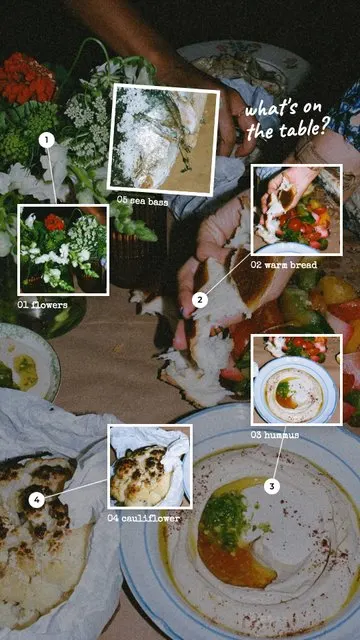 Zoom In · What's on the Table 6 photos
 Zoom In · Zoom In 1 photo
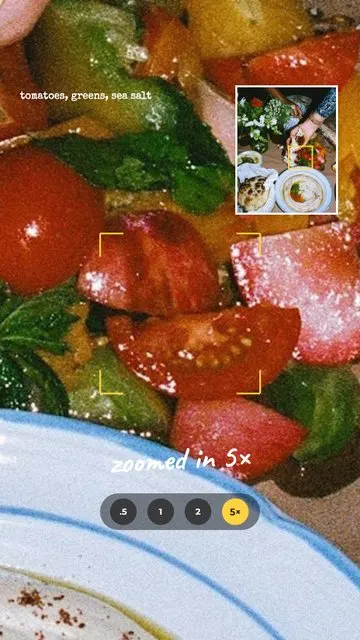 Zoom In · 5× Zoom 2 photos
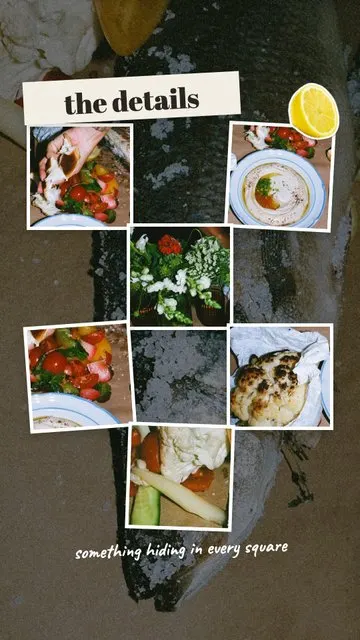 Zoom In · The Details 7 photos
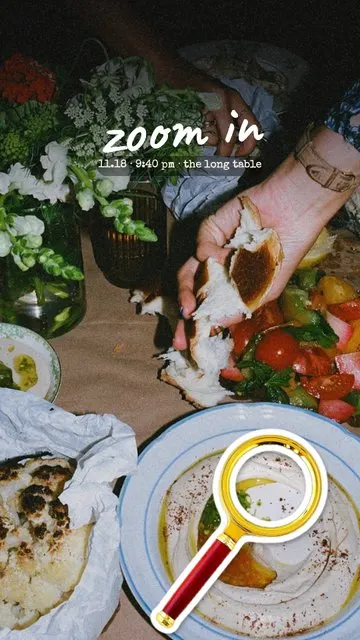 Zoom In · Cover 2 photos
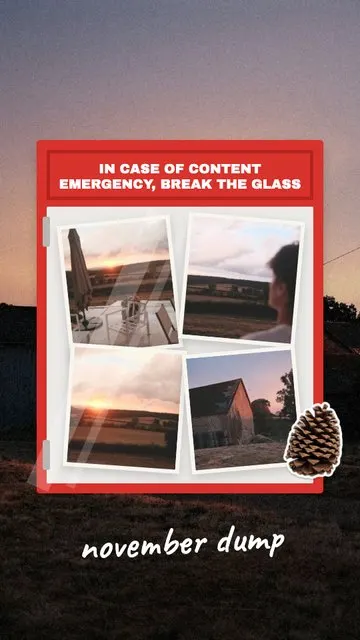 Month Dump · Break the Glass 5 photos
Allapulla
Pick your photos and get Instagram story templates that fit them. New designs every week, hundreds of them free.
Add Yours Sticker on Instagram: How It Works + 60 Prompt Ideas for 2026
What the Add Yours sticker on Instagram is, how to start your own Add Yours chain, how to see who joined, and 60 Add Yours prompt ideas for photo dumps, friends, food, travel, the holidays and small businesses – with templates that leave room for the sticker.
Winter Instagram Story Ideas: 20 Cozy Ideas from First Snow to January (+80 Captions)
Winter Instagram Story ideas for every part of the season – first snow, the first day of winter on December 21, cozy nights in, winter games and January – with 20 ideas, a mood table, 80 short winter captions and free and animated winter templates.
Christmas Instagram Story Ideas: a Countdown from December 1 to 25 (+60 Captions)
Christmas Instagram Story ideas for every week of December – countdown Stories, the tree, the wish list, Christmas Eve and Christmas morning – with 15 ideas, 6 Story games, 60 short captions and Christmas Countdown templates.