
How to Make an Animated Instagram Story: 3 Ways, 6 Apps, 7 Steps
· 4 min read · Markdown
There are three ways to make an animated Story: Instagram’s own tools (GIF stickers, animated text, Boomerang), a ready-made animated template, or a video editor. The fastest is an animated template: add your photos, tap Animate in Allapulla and share your Story as a short video. The video is silent; you add music in Instagram with the Music sticker.
Animated Stories stand out in a fast feed: a line of text appearing, a photo sliding into place or a sticker wobbling makes a follower pause for a second. You don’t need to know video editing for that. This guide compares three ways, then shows how to do it with an animated template in 7 steps.
Three ways to make an animated Story
| Way | Time | What moves | Best for |
|---|---|---|---|
| Instagram’s own tools | 1 minute | One line of text, a GIF sticker or a Boomerang | A quick single-photo Story |
| Ready-made animated template | 2–3 minutes | The whole design: frame, photos, text, stickers | Several photos, special days, photo dumps |
| Video editor | 10 minutes or more | Anything; you do the editing | Long videos, Reels, detailed edits |
Which app?
| App | Good at | Watch out for |
|---|---|---|
| Instagram (built-in) | Animated text, GIF stickers, Boomerang; no extra app | Single elements move, not a whole design |
| Allapulla | Suggests templates for the number of photos you pick; every template is animated, and photo slots take videos | The video is silent; add music in Instagram |
| Canva | Huge template library, works on desktop too | Detailed editing on a phone is slower |
| Mojo | Strong animated text and templates | Many features need a subscription |
| CapCut | Full video editing, music, effects | Takes longer to learn |
| InShot | Trimming, joining clips, simple text | Few design templates |
App prices and what’s included in free versions change often; check the store page before you download.
1. Pick your photos
Open Allapulla and select the photos you want to share. The app only shows templates made for exactly that number of photos; one photo and six photos get different layouts.
2. Open a template
Template cards play their animated version; open the one you like. Your photos drop into the frames automatically.
3. Tap Animate
In the editor, tap Animate under the canvas. When it’s on, your Story is shared as a video; turn it off and the same design is shared as a photo.
4. Put a video in a photo slot (optional)
You can also put a video from your phone into a photo slot. Choose which part plays with Clip; the framing stays the same. Concerts, the sea or a walk look best this way.
5. Change the text and preview
Tap the text and write your own; the motion adapts to it. Short text reads better in an animated Story: 3–6 words is enough.
6. Save it as a video
Tap Share and your Story is rendered as a 1080×1920 MP4. Send it straight to Instagram or save it to your gallery.
7. Add music in Instagram
The video is silent. In Instagram, choose Music from the sticker menu and add your song: how to add music to an Instagram Story.
Animated or photo?
| Situation | Suggestion |
|---|---|
| Birthday, anniversary, special day | Animated: motion adds to the celebration |
| Photo dump, monthly recap | Animated: photos arriving one by one each get seen |
| Long text, a list, an announcement | Photo: text people need to read should stay still |
| Business promotion | Animated cover + details as a photo |
| Remembrance days | Calm, slow motion or a photo |
Common problems
| Problem | Cause | Fix |
|---|---|---|
| Video looks blurry | The photo is small or came from WhatsApp | Use the original photo: why is my Instagram Story blurry |
| No sound | Template videos are silent | Add music in Instagram |
| Instagram cuts the video | The video is longer than 60 seconds | Template videos are short; pick a short clip for videos in photo slots |
| Nothing moves | Animate is off or the app is out of date | Turn on Animate; update Allapulla |
| Video sharing is locked | It’s a Pro template (video is free on free templates) | Unlock for 24 hours with one short ad, or pick a free template |
Animated templates in Allapulla
Every template in Allapulla is animated, and template pages show the animated preview. The categories that suit motion best: Birthday, Photo Dump, Magazine & Film and special days. This month: winter arc Stories.
Frequently asked questions
How do I make an animated Instagram Story?
The fastest way is an animated template. In Allapulla, pick your photos, open a template, tap Animate and share it as a video; text, stickers and photos move in a loop of a few seconds. If you only need a little motion, Instagram’s animated text and GIF stickers work too.
Can I turn a still photo into an animated Story?
Yes. When you put a photo into an animated template, the photo stays in place while the frame, text and stickers move; in some templates the photo also zooms or slides gently. To animate the photo itself (flowing water, moving hair), you need a separate photo animation app.
How do I add music to an animated Story?
The video Allapulla makes is silent. Open it as a Story in Instagram, choose Music from the sticker menu and add your song. Our music guide covers the steps and what to do when music isn’t working.
How long is an animated Story?
Allapulla’s animated templates are loops of a few seconds, saved as MP4. Instagram shows up to 60 seconds of video in a single Story frame, so template videos are shared without being cut.
Are animated templates free?
Every template in Allapulla is animated. On free templates, sharing as a video is free too (with a small Allapulla signature). On a Pro template the video unlocks together with the template, with Allapulla Pro or for 24 hours with one short ad. Turkish national holiday and remembrance templates are always free.
How is this different from Instagram’s animated text?
Instagram’s animated text moves a single line of text. In an animated template the whole design moves together; frames, photos, stickers and text come in a matching sequence. You can use both at once.
Photo Dump Instagram story templates
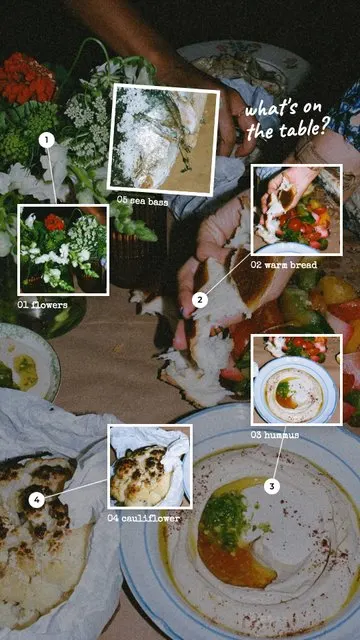 Zoom In · What's on the Table 6 photos
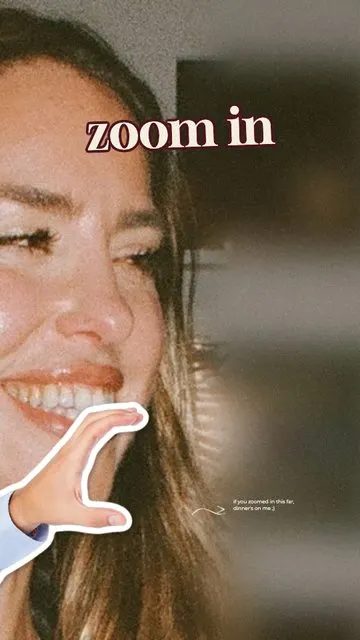 Zoom In · Zoom In 1 photo
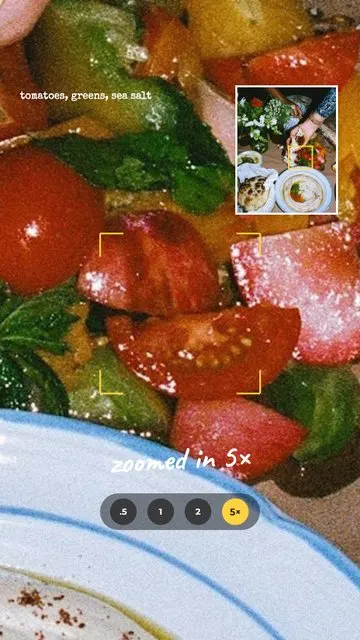 Zoom In · 5× Zoom 2 photos
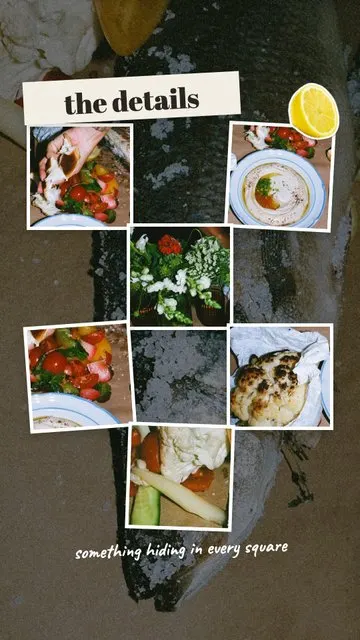 Zoom In · The Details 7 photos
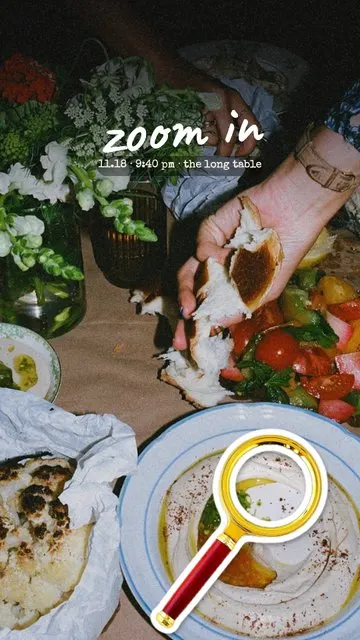 Zoom In · Cover 2 photos
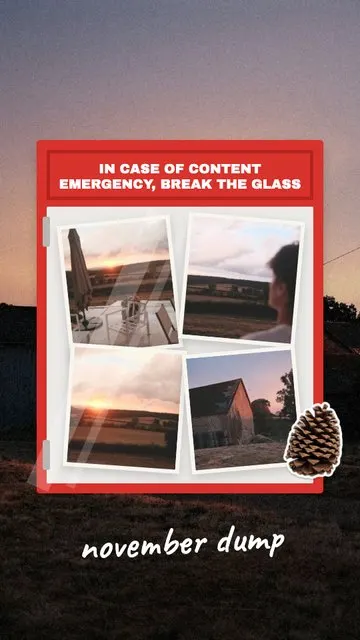 Month Dump · Break the Glass 5 photos
Allapulla
Pick your photos and get Instagram story templates that fit them. New designs every week, hundreds of them free.
Add Yours Sticker on Instagram: How It Works + 60 Prompt Ideas for 2026
What the Add Yours sticker on Instagram is, how to start your own Add Yours chain, how to see who joined, and 60 Add Yours prompt ideas for photo dumps, friends, food, travel, the holidays and small businesses – with templates that leave room for the sticker.
Winter Instagram Story Ideas: 20 Cozy Ideas from First Snow to January (+80 Captions)
Winter Instagram Story ideas for every part of the season – first snow, the first day of winter on December 21, cozy nights in, winter games and January – with 20 ideas, a mood table, 80 short winter captions and free and animated winter templates.
Christmas Instagram Story Ideas: a Countdown from December 1 to 25 (+60 Captions)
Christmas Instagram Story ideas for every week of December – countdown Stories, the tree, the wish list, Christmas Eve and Christmas morning – with 15 ideas, 6 Story games, 60 short captions and Christmas Countdown templates.